Proudly made in QuébecFrom Trois-Rivières

A custom CRM that follows the way you work.

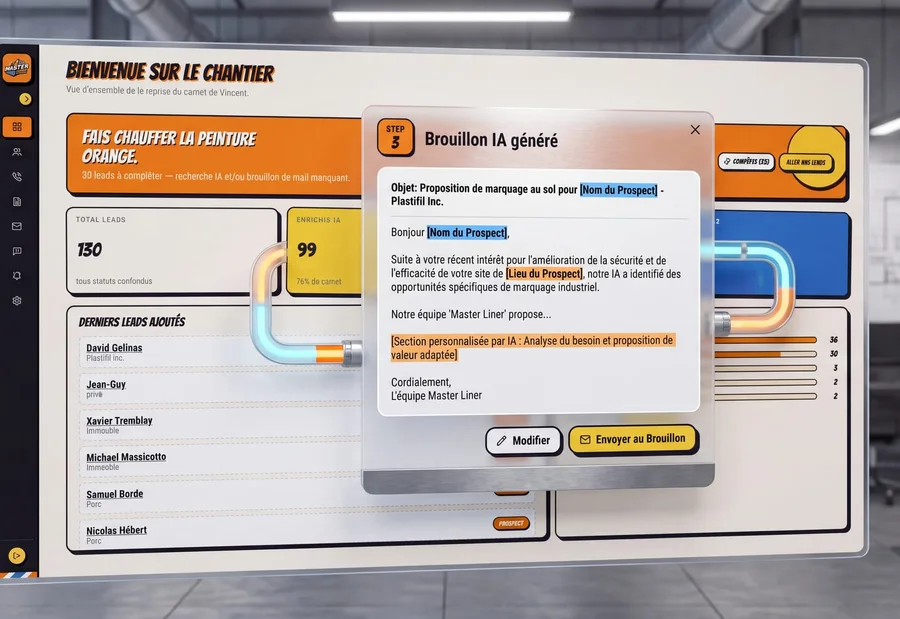
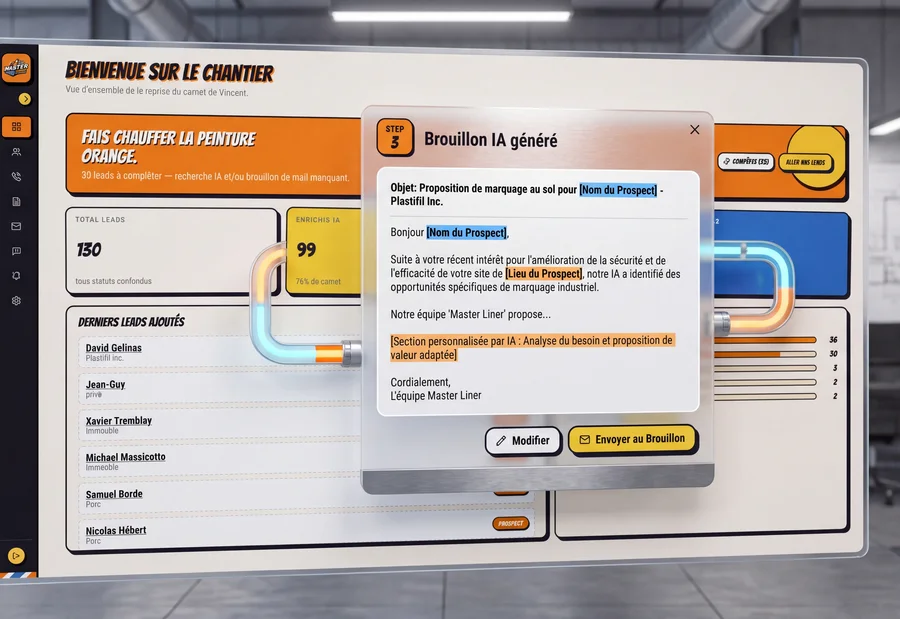
Find your clients, follow-ups and operations in a custom CRM designed around your reality. The right fields, the right steps and a shared vision for your team.

  • A custom CRM around your processes
  • Centralized information
  • Useful automations
  • A tool that evolves with your business

Let's talk about your custom CRM

Response from an expert within less than one business day. Free technical audit, no obligation.

Would you prefer to speak to someone? +1 819 609-8335

5.0 on Google

Based on multiple client reviews

"If you are looking for pros in automation or website design, you are at the right door. Kudos to Brice and his team."

Ariel Enkaoua

"We are a French company and discovered a human and highly competent team. We strongly recommend."

RUE DU BOURG

"I am absolutely delighted with the work done by the Umbeli team for my new website. From the start, they listened to my needs."

Alexandre Blouin

"A top automation service. Efficient and fast."

Bureau d'études Eco Pac Energy

"Professional agency, attentive to the client, with real support."

Riaz Amiraly

    Your project, in practice

    Choosing between spreadsheet, standard CRM, and custom CRM

    A CRM organizes customer relationships, opportunities, and upcoming actions. An ERP more broadly covers operations and resources. A portal gives the client limited access to their file. The scope specifies the data, actions, and rights of each person; the software name alone does not define the work to be done.

    Construction companies, auto workshops, professional services, and sales teams need to link their contacts to quotes, appointments, interventions, and next actions.

    On the ground · Protecto Saguenay

    The meeting starts at the client’s and continues at the workshop.

    Protecto had to connect booking, request qualification, and workshop schedules. Fragmented management forced teams to synchronize information manually.

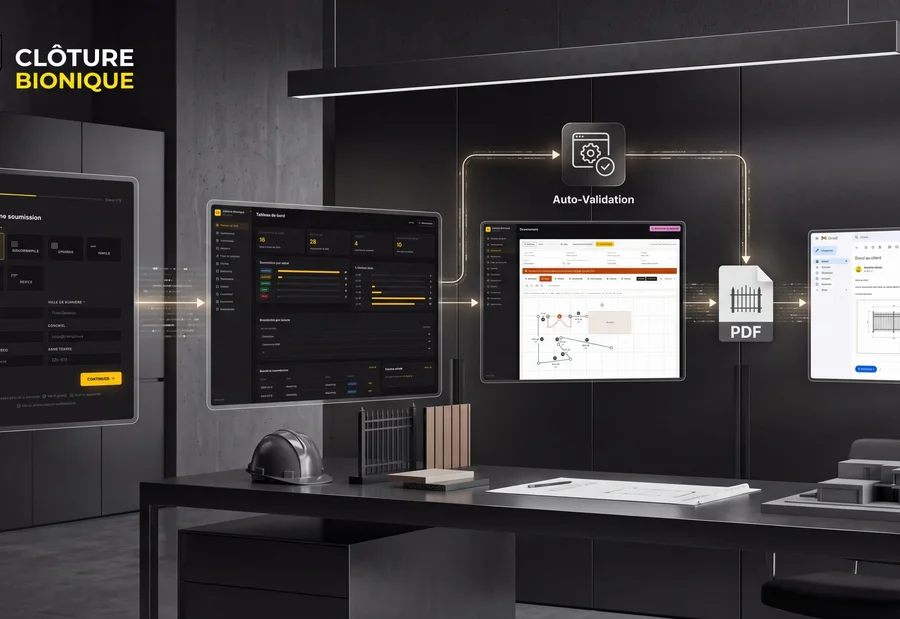
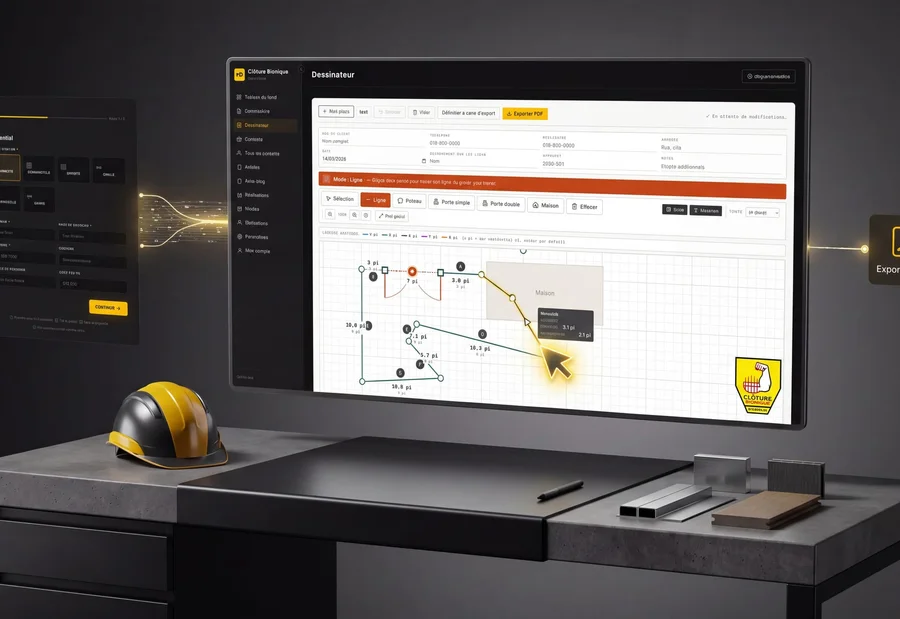
    The mandate brought together clients, services, and schedules in a custom application. Online booking and the conversational agent rely on workshop availability. The client file becomes the passage point between request and operations.

    Discover the project Protecto Saguenay

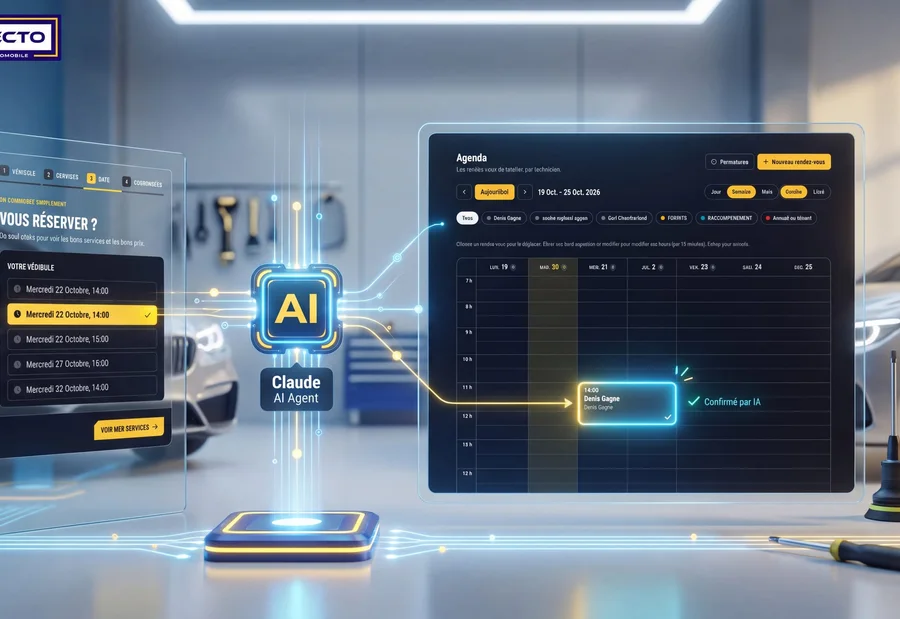
    Presentation of the management platform · Protecto Saguenay
    Presentation of the management platform · Protecto Saguenay

    The right CRM must allow retrieving the client’s context and the next action. Booking is just one example: your file can extend to a quote, an intervention, or follow-up after delivery.

    Your processes deserve a custom CRM.

    When tools no longer match your way of working, your team compensates manually. Custom CRM starts from these concrete needs.

    These frictions weigh on your daily work

    Follow-ups take more time and information becomes difficult to share among teams.

    Dispersed information

    Contacts, documents, and exchanges are spread between emails and spreadsheets.

    A difficult context to retrieve

    Every information search interrupts work on the file.

    Steps that do not resemble you

    Your team bypasses tools to follow its own processes.

    Double entry

    The same information circulates in several tools without being synchronized.

    Manual follow-ups

    Follow-ups, reminders and handovers depend on each person.

    Forgotten follow-ups

    An important task can pass between two teams.

    An incomplete vision

    You must gather several sources to understand the status of a file.

    Slower decisions

    The overall view is missing when prioritizing.

    A continuous thread between sales and operations

    A custom CRM organizes contacts, opportunities, and follow-ups according to your company’s stages. For an SME, the project can start with a limited scope, then evolve with usage. We link customer relationship management to the transition towards quotes and operations.

    1

    New request

    The contact and their need are gathered in a file.

    2

    Quote

    Your teams prepare and follow the proposal.

    3

    Ongoing project

    Information is transmitted to the right people.

    4

    Customer relationship

    The history remains accessible and upcoming follow-ups are planned.

    Your custom CRM, designed around your company

    An interface adapted to your roles

    Every team member finds the files, actions, and useful information for their work, on an interface designed for your uses.

    A complete client file

    Contacts, exchanges, documents, and history are gathered. Each person accesses useful information according to their role.

    123

    Your own sales journey

    Your steps, your fields, and your rules structure the tracking of prospects and quotes. The CRM for business allows you to find the person responsible for the file, the necessary information, and the next action. Useful data is transmitted to operations when the proposal is accepted.

    LogicielComptaCRM

    The right follow-up, at the right time

    Follow-ups, reminders, task creation and information transmission: automate repetitive actions and keep the validations that matter.

    A built project with your team.

    1

    Understanding your reality

    CRM support starts with your tools and habits to define a first useful scope. CRM development, contact migration, and integrations are prepared with the team. The project plans for onboarding and maintenance needs before adding new modules or AI functions.

    2

    Design and connect

    We build the journeys, interfaces, and necessary connections. You validate functions and uses throughout the project.

    3

    Set up and evolve

    We prepare the deployment with your team, then adjust the solution based on your usage.

    Custom CRM designed for real needs

    Discover CRM projects, their interfaces and the processes implemented.

    All our achievements →

    A concrete first scope

    Start with a file the whole team can follow.

    In construction, a request becomes a visit, measurements, and a quote. In a workshop, it relates to a vehicle, a service, and availability. For a B2B team, it goes through qualification and follow-ups. Fields and responsibilities must follow these trades.

    01

    The first delivery.

    A first useful path, then evolutions guided by usage.

    A first batch can cover contacts, files, commercial steps, tasks, and access rights. A small group tests the journey on real cases. Imports start with a sample: field matching, duplicates, documents, and verification by your team.

    Generating quotes, a field schedule, a client portal or an accounting connection are then decided. They require their own rules and tests. Replacing payroll or all accounting is not implicit in creating a CRM.

    02

    The budget over time.

    Distinguish project creation from its daily operation.

    Compare over the same duration: initial design and migration, hosting, backups, maintenance, licenses and third-party service consumption. Custom can avoid some functional limits but does not remove operating costs.

    A file must be able to pass from one person to another without losing its history. The lead verifies permissions, imports, reminders, and exports. Training covers these same tasks; the contract sets the access granted, support, and maintenance responsibilities.

    Your profession, your background

    How this applies in your sector

    All sectors ↗

    A spreadsheet, a standard CRM or a custom CRM?

    The right choice depends on your files, your team, and the necessary connections. Here are the trade-offs to consider before investing.

    CriterionShared spreadsheetConfigured standard CRMCustom CRM
    When appropriateSmall volume and simple tracking, with few people.Common sales stages and need to start with proven functions.Rules, documents or flows difficult to cover with existing tools.
    ImplementationQuick to create structure; conventions and data quality to maintain.Configuration, import and training; adaptation of certain habits.Framing, mockups, development and pilot before generalization.
    Full costPossible license and time spent on handling and control.Subscriptions, configuration, modules and possible connectors.Initial investment, hosting, maintenance, and possible third-party services.
    Connections and business rulesExports and scripts possible, with caution on duplicates.APIs and connectors depending on the tool and its plan; limits to verify.Connections designed for the process, subject to access to third-party systems.
    Permissions and historyDepend on the spreadsheet; a shared file does not replace detailed business tracking.Functions available depending on product; check roles and exports.Roles, history and exports to be explicitly designed and tested.
    Evolution and maintenanceFlexible at first; formulas and versions become harder to follow as it grows.Evolutions managed by the publisher, with dependence on their choices and rates.Evolutions prioritized by your company, with a budget and maintenance responsibility.

    These are decision markers, not universal features. Check the offers, licenses, and commitments of the chosen provider over the same scope and duration.

    Your questions, our answers

    Who is a custom CRM for?

    A custom CRM suits SMEs whose processes require specific steps, data, or connections. If a configured standard CRM covers the need, its integration may be sufficient. We compare uses, data recovery, and operating costs to determine what deserves custom development.

    Can we retrieve our current data?

    A CRM migration starts with inventorying exports, contact quality, and access rights. We prepare field mapping, duplicate handling, and a test import. Your team verifies data and important records before agreeing on deployment conditions.

    Can we start with a few functions?

    Yes. We can start with contacts, commercial follow-up, and priority tasks, then add modules, integrations, or AI functions as your needs evolve.

    What budget to plan for a custom CRM?

    The quote distinguishes scoping, interfaces, rules, migration, and training. A first batch contacts–files–tasks does not cost the same as a tool linked to accounting and fieldwork. We price this first journey and options after examining your data and accesses.

    What fees remain after delivery?

    Hosting, backups, maintenance, and some third-party services remain to be funded. The quote distinguishes fixed fees from variable consumption, like APIs or AI. Custom development does not mean free operation.

    Who keeps the access and data?

    The contract specifies delivered accesses, exports, documentation, and code ownership conditions. Third-party components may retain their licenses. Roles, hosting location, backups, and data return conditions are defined before commissioning.

    How do you support the team at the start?

    A pilot group tries the CRM on real files before the switch. Training follows the tasks of each role. The plan includes data migration, controls, rollback and a support manager. The duration and support modalities are in the proposal.

    Can the CRM connect to our site?

    Yes, depending on the available accesses and interfaces. CRM integration can transform a site request into a file, assign it to a person, and trigger follow-up. We define the transmitted fields, duplicate detection, and controls in case of synchronization failure, rather than assuming all tools connect the same way.

    Let’s make your way of working a custom CRM.

    Show us your daily routine. Together we will identify the first scope of your custom CRM.

    Discover the web with integrated AI →